UI Design for First-Time Users: Why Simplicity is the Ultimate Sophistication
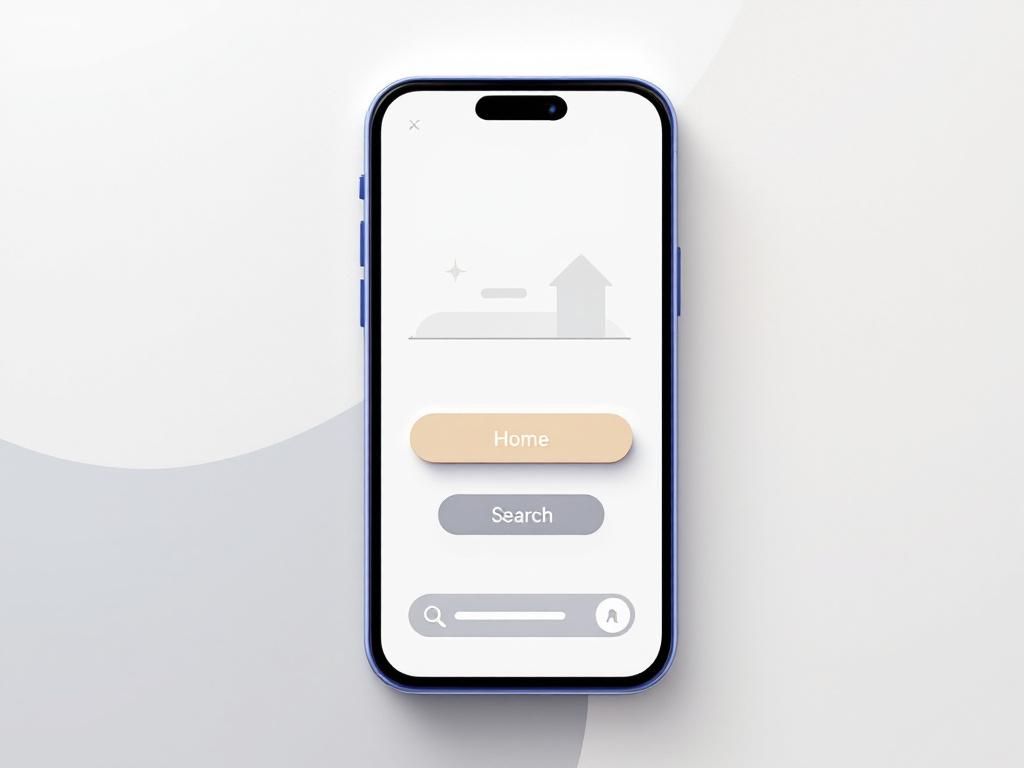
In a world where digital products are everywhere, building a functional frontend is no longer enough. The real challenge—and opportunity—is crafting a user interface (UI) that feels intuitive, even for someone who has never interacted with technology before.
With over five years of experience designing UI for diverse audiences, I’ve discovered a powerful truth: Designing for the "one-year-old" mindset ensures your product is accessible, engaging, and future-proof.
The Power of Simplicity
Simplicity isn’t just a design trend—it’s a necessity. When users land on your application, they shouldn’t need a manual. Every button, menu, and resource should be obvious, accessible, and self-explanatory. This approach doesn’t just benefit first-time users; it enhances the experience for everyone.
Why it matters:
- Reduces cognitive load: Users shouldn’t have to think—just act.
- Increases engagement: Intuitive design keeps users coming back.
- Boosts conversions: Fewer barriers mean more actions taken.
Designing for the "One-Year-Old" Mindset
Imagine designing for someone who has never touched a smartphone or computer. What would they need?
- Clear Visual Hierarchy: The most important actions should stand out.
- Minimalist Navigation: If it’s not on the landing page, it should be one click away in an obvious menu.
- Familiar Icons and Labels: Use universally recognized symbols (e.g., a house for "Home").
- Feedback for Every Action: Users should always know what’s happening (e.g., loading spinners, success messages).
Practical Tips for Intuitive UI
1. Prioritize the Landing Page
- Place key resources front and center.
- Use whitespace to avoid overwhelming users.
2. Design a "No-Brainer" Menu
- Group related items logically.
- Avoid jargon—use plain language.
3. Test with Real Users
- Conduct usability tests with people who match your target audience.
- Watch where they struggle and refine accordingly.
4. Optimize for Mobile
- Over 60% of web traffic comes from mobile devices (Statista, 2025).
- Ensure buttons are thumb-friendly and text is readable.
Why This Approach Works for Everyone
Designing for the least experienced user doesn’t mean dumbing down your product—it means making it universally accessible. Here’s why it benefits all users:
- Experienced users appreciate speed and clarity.
- Elderly users or those with limited tech exposure feel included.
- Global audiences (especially in emerging markets) can navigate with ease.
Conclusion
The best UI isn’t about flashy animations or complex features—it’s about empathy. By designing as if your user is encountering technology for the first time, you create products that are intuitive, inclusive, and timeless.
Ready to transform your UI? Start by asking: "Would a one-year-old understand this?"—and watch your engagement soar.